Car HUD Display
Make room for
a useful moment.
Explore the workflow before deciding whether the app is right for you.
- Open the app before starting your trip.
- Choose your preferred units and widgets.
- Place the iPhone safely for direct viewing or windshield reflection.
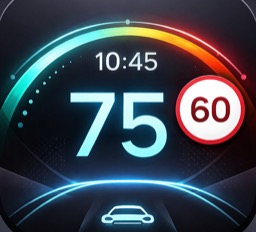
- Monitor speed, heading, weather and trip data while driving.
- Reset trip tracking when you want a fresh journey summary.
 A focused tool for your day
Explore at your own pace.
See the current app details, compatibility and purchase options before downloading.